Beyond Simple Chatbots
If you have used ChatGPT or a customer service chatbot, you have interacted with AI in a conversational context. But AI agents represent a fundamentally different category of technology. Instead of simply answering questions, an AI agent can independently plan a multi-step process, execute each step using external tools and systems, evaluate the results, and adjust its approach based on what it learns.
Think of the difference this way: a chatbot is like asking a colleague a question and getting an answer. An AI agent is like assigning a task to a competent junior employee and having them complete it independently, coming back to you only when they need a decision or run into something unexpected.
How AI Agents Work
Under the hood, an AI agent combines several technologies:
A large language model (like GPT-4, Claude, or Gemini) provides the reasoning and language understanding capabilities — this is the "brain" of the agent.
Tool use (also called function calling) gives the agent the ability to interact with external systems. It can search the web, query databases, send emails, update CRM records, create documents, and call APIs.
Memory systems allow the agent to maintain context across interactions (short-term memory) and learn from past experiences (long-term memory).
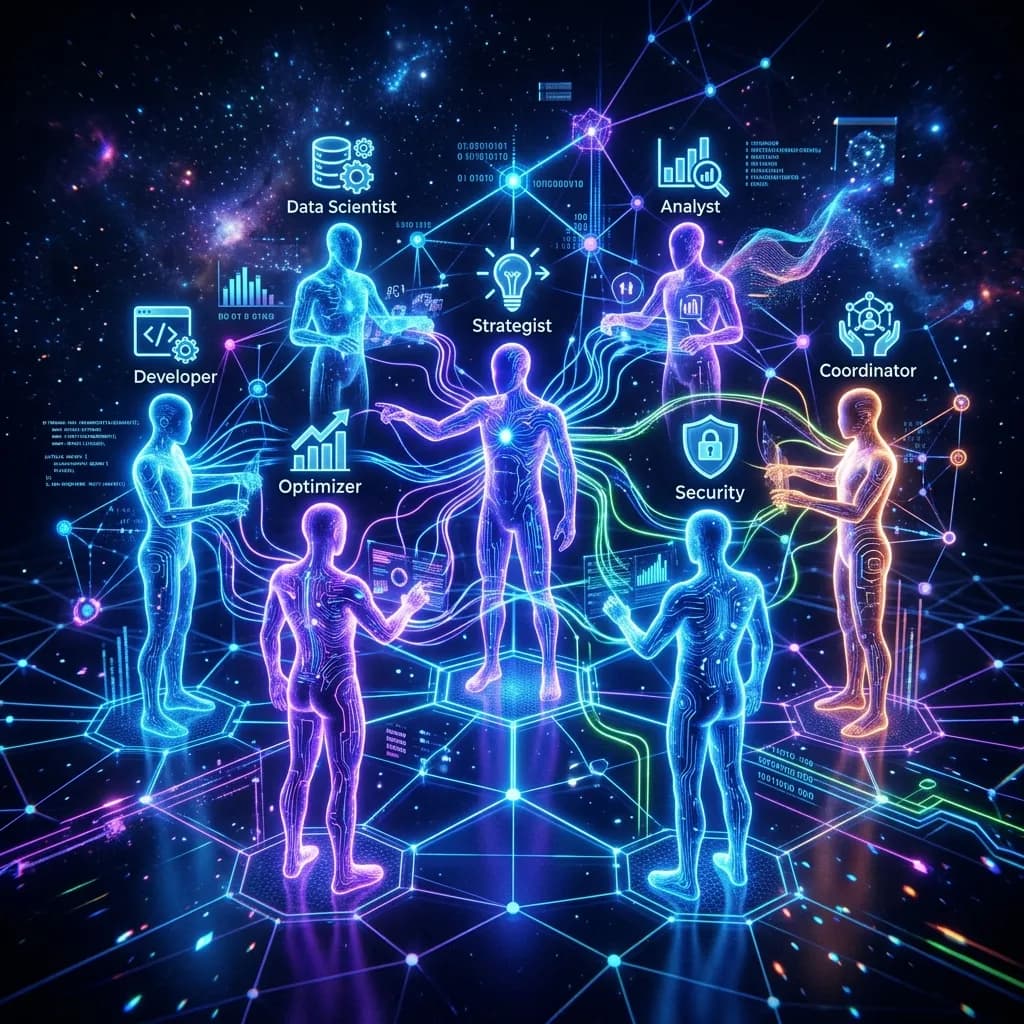
Orchestration frameworks like LangChain, CrewAI, and AutoGen provide the architecture for building agents that can break complex tasks into subtasks and even coordinate with other specialized agents.
How This Differs From a Chatbot
| Capability | Chatbot | AI Agent |
|---|---|---|
| Answer questions | Yes | Yes |
| Execute multi-step tasks | No | Yes |
| Use external tools and APIs | Rarely | Core feature |
| Make decisions autonomously | No | Yes |
| Learn from outcomes | Limited | Yes |
| Coordinate with other agents | No | Yes |
Where Businesses Are Actually Using AI Agents
Sales Development
An AI SDR (Sales Development Representative) agent researches prospects using LinkedIn and company databases, writes personalized outreach emails, sends them on a schedule, monitors for replies, and follows up appropriately. A single AI SDR can handle the outreach volume of 3-5 human SDRs while maintaining genuinely personalized messaging.
Customer Support Operations
Beyond simple chatbot Q&A, a support agent can triage incoming tickets across email, chat, and social media. It resolves routine issues by taking actions (processing refunds, updating account settings, checking order status) rather than just providing information. Complex issues get escalated to human agents with a full summary and suggested resolution.
Content Production
A content agent monitors trending topics and keyword opportunities in your industry, creates draft blog posts and social media content, optimizes existing content based on performance data, and schedules publishing across platforms. A human editor reviews and approves everything before publication, but the research, drafting, and scheduling are handled autonomously.
Data Analysis and Reporting
Rather than waiting for an analyst to build a report, a data agent connects to your analytics platforms, CRM, and ad accounts. It pulls relevant data, identifies significant trends or anomalies, generates a readable report with visualizations, and delivers it to stakeholders on a defined schedule.
Recruitment and HR
A recruitment agent screens incoming resumes against job requirements, identifies the most promising candidates, sends personalized outreach to top picks, and coordinates interview scheduling. This dramatically reduces time-to-hire, especially for roles that attract large volumes of applicants.
Financial Operations
Agents can handle invoice processing, expense categorization, account reconciliation, and anomaly detection. They flag unusual transactions for human review while automatically processing routine ones.
IT Support
An IT support agent handles common requests — password resets, software access provisioning, basic troubleshooting — and escalates complex technical issues with detailed diagnostic information. This resolves the majority of IT tickets instantly without human involvement.
The Practical Path to Getting Started
Start with one agent, one task
Do not try to deploy AI agents across your entire business at once. Pick one high-impact, repetitive task — the one your team spends the most time on and finds the least fulfilling — and build an agent for that.
Measure carefully
Before deploying the agent, document how long the task takes manually and how much it costs. After deployment, track the same metrics. This gives you concrete ROI data to justify expanding.
Scale gradually
Once your first agent is delivering measurable value, look at adjacent processes. Often, the data and integrations built for the first agent can be leveraged for the next one, making each subsequent deployment faster and cheaper.
Working With Us
We build custom AI agents tailored to specific business workflows. Not template agents — purpose-built systems designed around your processes, your data, and your tools.
Explore our AI agent capabilities or schedule a strategy conversation to discuss what autonomous AI could look like for your business.